 Mpromp2 — the AI Prompt Generator
Make the video. Skip the blank page.
The Cinematic Entry is the doorway to this site's free image and video prompt library: complete production prompts for YouTube videos, TikTok clips, website promos, music videos and biography films — already written, and pre-configured for 36 image and video AI models including Midjourney, FLUX, Veo, Runway and Kling. Free, with no account and no sign-up.
You don't write these prompts. They're already written.
The generator on the front page builds a prompt from your one line. This side of the site works the other way: the whole production is already structured — the shot, the camera, the lighting, the ending. You pick what you're making, take the finished prompt, and run it in your model. Picking is the whole job.
What are you making?
Tap the outcome. Each one is a complete workflow — a chain of prompts that takes you from the first frame to the finished piece.
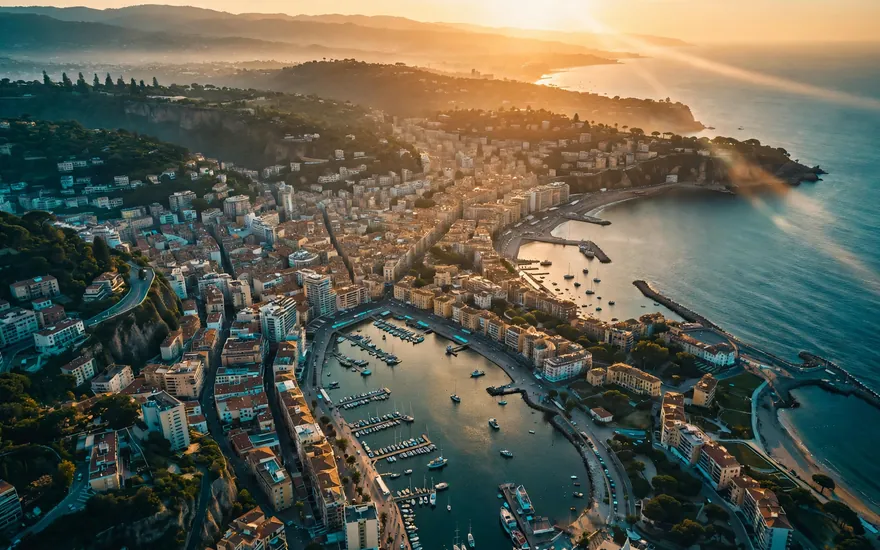 YouTube ProductionOpenings, b-roll and end cards that make a channel look produced.3 prompts · one workflow: establishing shot → b-roll → end cardMake my YouTube video →
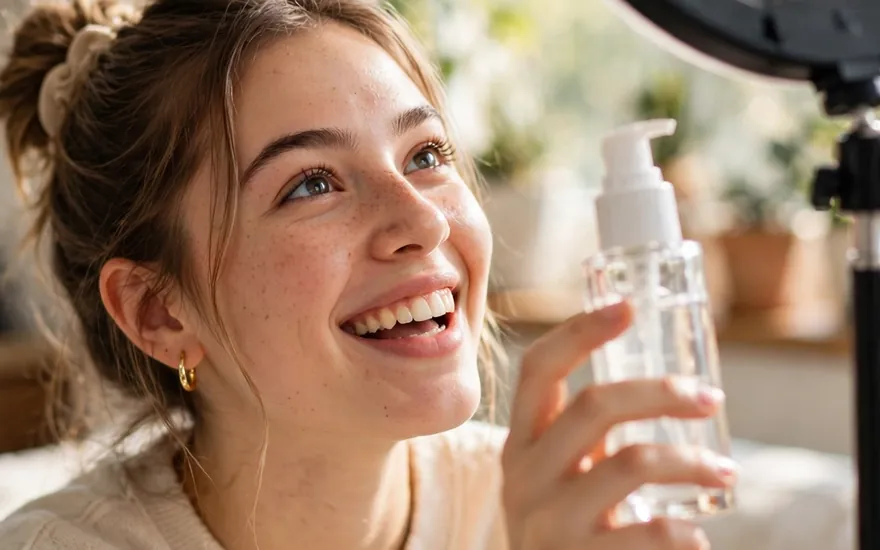 TikTok ProductionHooks and UGC-style ads built for the first two seconds.2 prompts · one workflow: hook clip → UGC-style video adMake my TikTok →
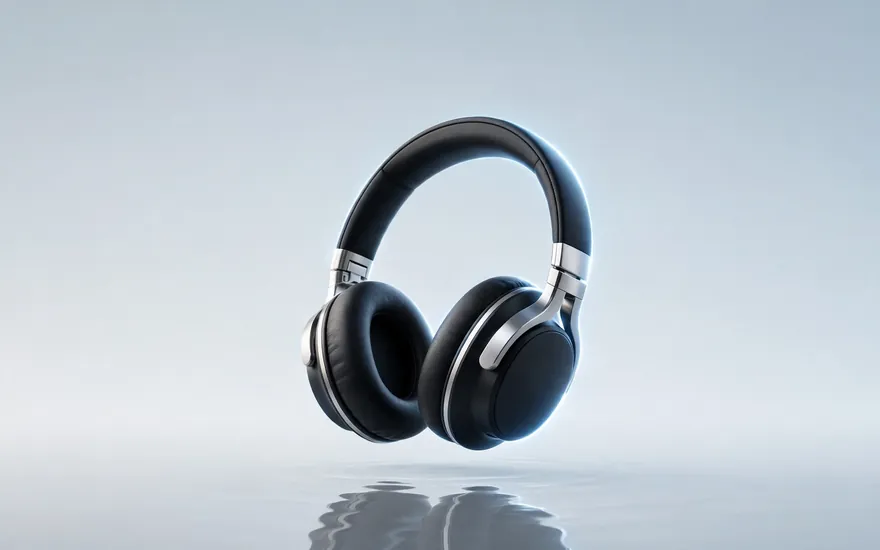 Website PromotionalHero shots and product videos that make a small site look big.2 prompts · one workflow: product hero shot → logo-safe product videoPromote my product →
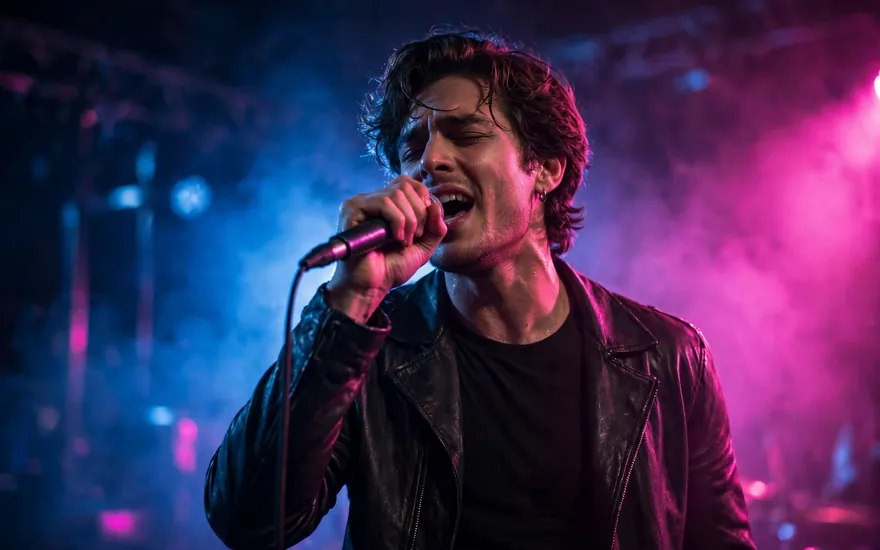 Music Video ProductionStoryboarded sequences and transformation shots with a real arc.2 prompts · one workflow: storyboard sequence → before/after transformationMake my music video →
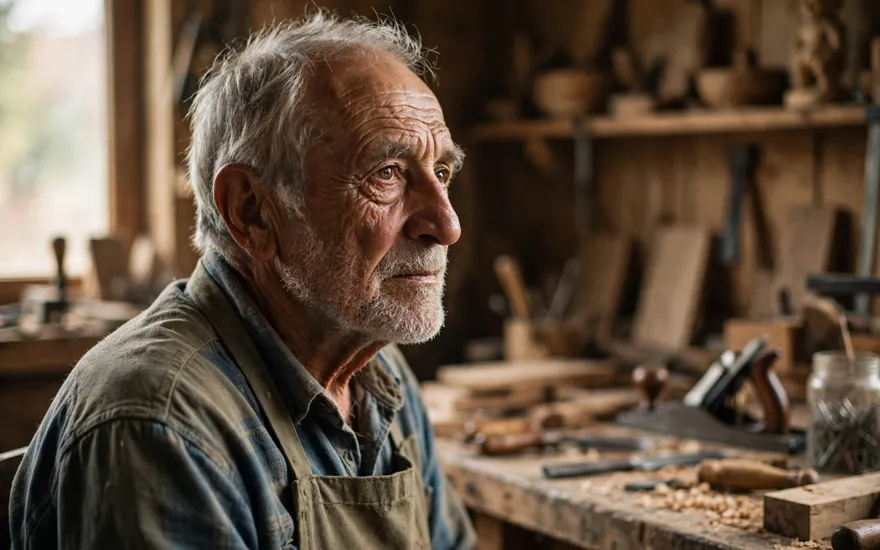 Biography FilmOne face, consistent across every scene of a life story.3 prompts · one workflow: character keyframe → portrait set → talking headTell a life story →
 Browse Everything — Image & VideoAll 12 production prompts, every model version, one shelf.The full Image & Video category, series by seriesSee all of it →
Pick your model — the prompt is already in its language
Every production prompt here is pre-configured for 36 image and video model versions. The same idea, written the way each model actually reads — its parameters, its camera language, its conventions. Tap your model to open its shelf.
Why "already written" also means cheaper
Fewer wasted generations
Image and video models charge per generation, per credit, or per minute of GPU time. A prompt that already contains the shot, the camera move, the lighting and a check for what a good result looks like gets the take right in fewer tries — and every avoided retry is money and tokens you didn't spend.
Pick the price point
The same production prompt is pre-configured for every major model — subscription-bundled, credit-metered, API-priced, and open models you can run on your own machine at no per-generation cost. Choose the route that fits your budget; the prompt is already written for it.
Preparation is the discount. This library is the preparation — and it's free.
Start from one photo — keep your character the same
Bring a reference image — a face, a product, a mascot — and the keyframe workflow holds it consistent across every shot of the production. Every image and video prompt page in the library carries the attach-and-push keyframe tool.
Your character, your product, your logo — any single reference image.
The keyframe tool sits right beside the prompt. Attach, and the prompt carries the reference with it.
The same face, outfit or product across the portrait set, the talking head, the whole film.
Questions, answered straight
- Do I need to know how to write prompts?
- No. Writing them is the part that's already done. Each prompt is a complete production structure — subject, action, camera, lighting, continuity, and a check for what a good result looks like. You can edit any prompt on its page before copying, but you never start from a blank box.
- Which AI models do the prompts work with?
- 36 image and video model versions, including Midjourney, Nano Banana, FLUX, Ideogram, Adobe Firefly, Leonardo, Stable Diffusion, Veo, Runway, Kling, Luma, Pika, Hailuo and Seedance. Each version is written in that model's own conventions — not one generic text pasted everywhere.
- Is it really free?
- Yes — every prompt, every model version, no account and no sign-up. You only ever pay your model provider for generations, and the preparation here is designed so you pay for fewer of them.
- How do the workflows fit together?
- Each series is a chain. The YouTube workflow, for example, runs establishing shot → b-roll → end card, and every prompt page names its step and links the next one. Follow the chain and the whole production is structured for you.
- Can I keep the same character in every shot?
- Yes — that's the keyframe workflow above. Start from one reference image and the consistency prompts hold the same face, outfit or product across scenes. The Biography Film series is built entirely on it.
- What's the difference between this page and the generator?
- The generator builds a brand-new prompt from your one line — use it for anything, especially text work. This funnel is the finished shelf for image and video production: pre-designed workflows for the outcomes people make most. Many visitors use both.
Mpromp2 — the AI Prompt Generator. Every prompt on this site is free to copy and use. The frames on this page are illustrative production frames in the style of each workflow.